Issue, capture and pay invoices without fighting VAT
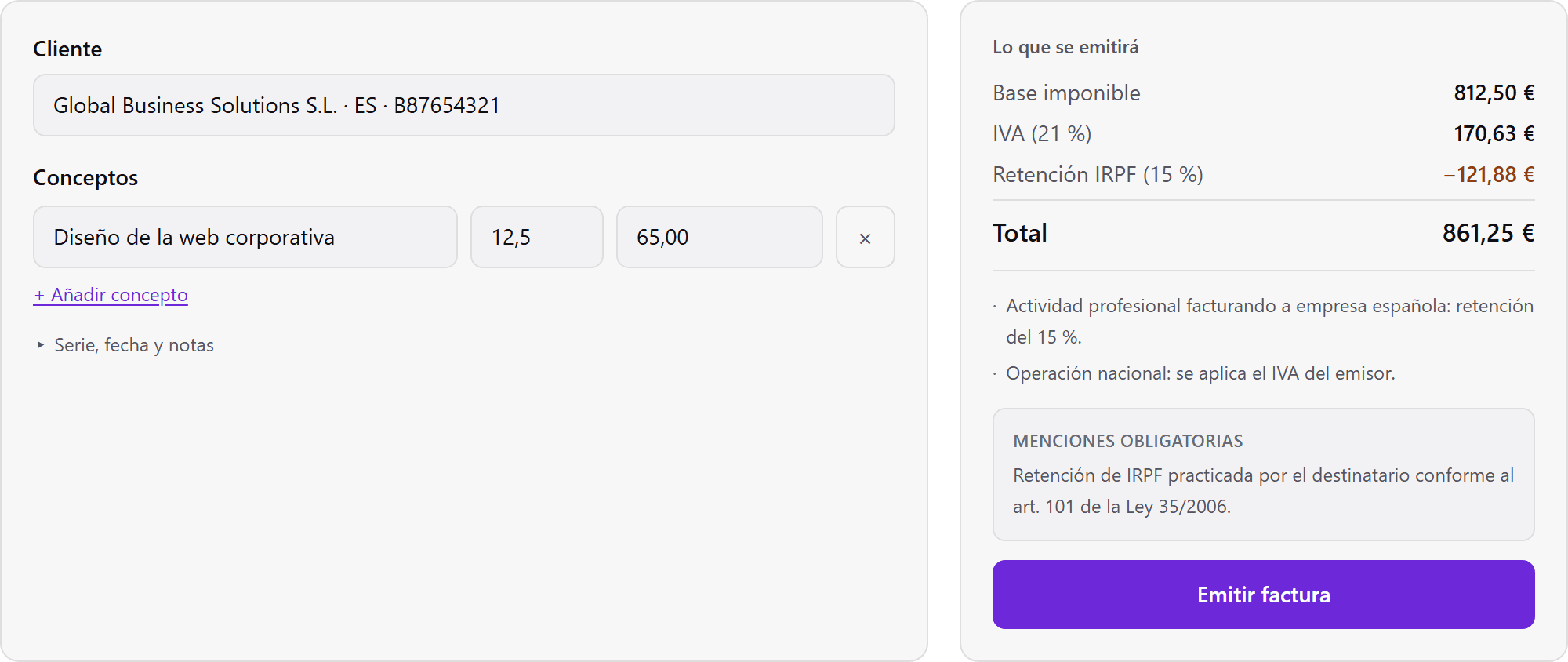
Type customer, item and amount: VAT, withholding and the required legal wording follow on their own. Capture expenses with a photo. And before you pay, we check who you are paying.
The product
This is not a mockup
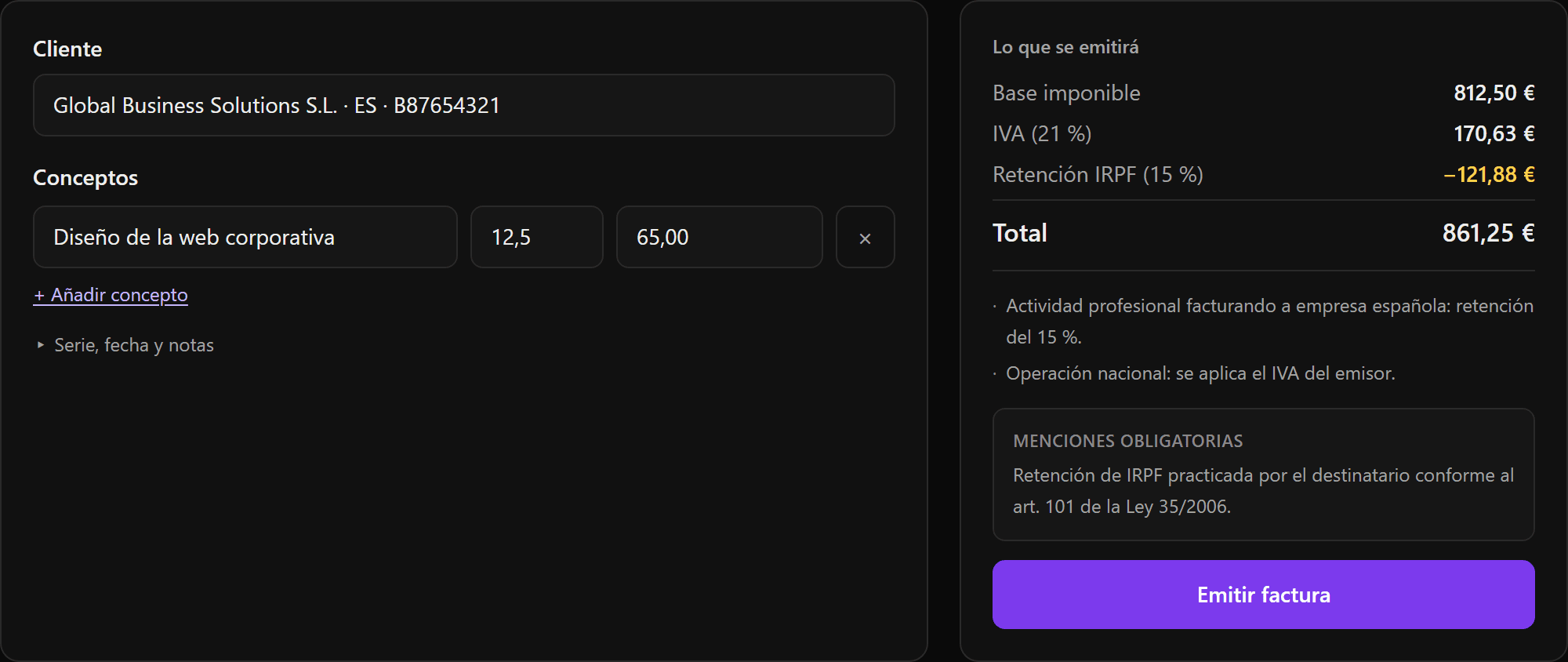
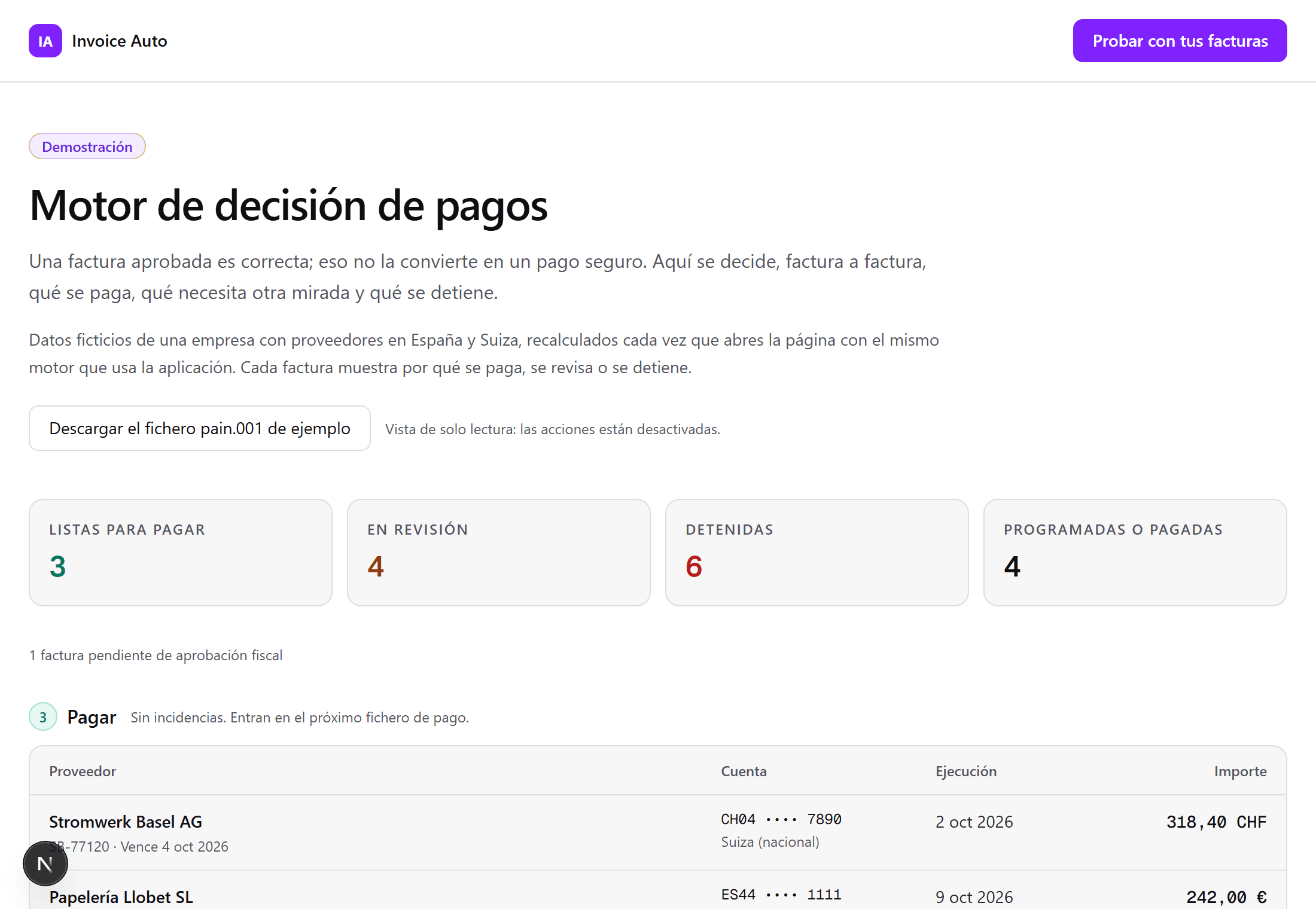
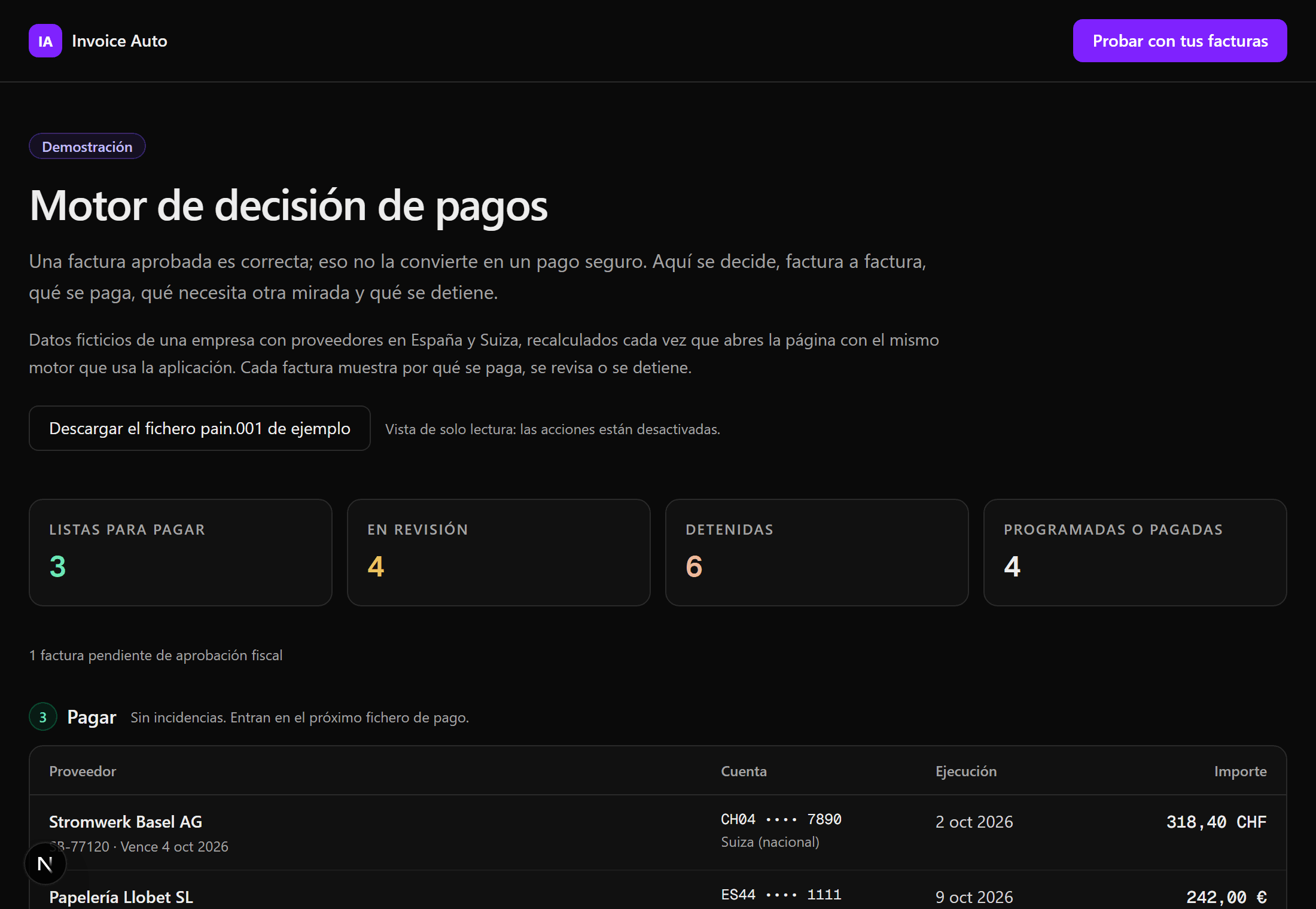
Both screenshots come from the running application, with the numbers its own tax engine computes.
How it works
Three steps to a clean invoice
Upload your receipt
Drop a photo, screenshot or PDF — any format, any language, any country.
AI extracts the data
Claude Vision reads vendor name, invoice number, date, subtotal, VAT and total. No manual entry.
Review & approve
Confirm the extracted data in one click. Invoices are stored, filterable and ready to export.
Features
Built for freelancers and small businesses
Claude Vision OCR
Understands handwriting, multi-language receipts and low-quality photos with high accuracy.
Tax Intelligence Engine
Covers 16 countries — Spain, Switzerland, Germany and more. VAT validation and reverse-charge detection built in.
Multi-currency
EUR, CHF, USD and more. Amounts stored in integer cents — zero rounding errors, ever.
Issue in three fields
Customer, item and amount. The rest — VAT, reverse charge, withholding, due date — is derived by the tax engine.
Payments
Approved is not the same as paid
The engine decides invoice by invoice: pay what is clean, hold what needs a second look, stop what does not add up. Out comes the SEPA pain.001 file for the bank.
Printed IBAN verified
The IBAN on the document is checked against the supplier account you verified. If they differ, it stops.
Swiss QR-IBAN and QR reference
The 27-digit QR reference is validated against the QR-IBAN. One without the other is never paid.
Second-approval threshold
Above the amount you set, an invoice waits for a second approval.

Quick access
Point your camera
So nobody has to type the address: show it from your phone, print it on a card or put it on your invoices.
Download the code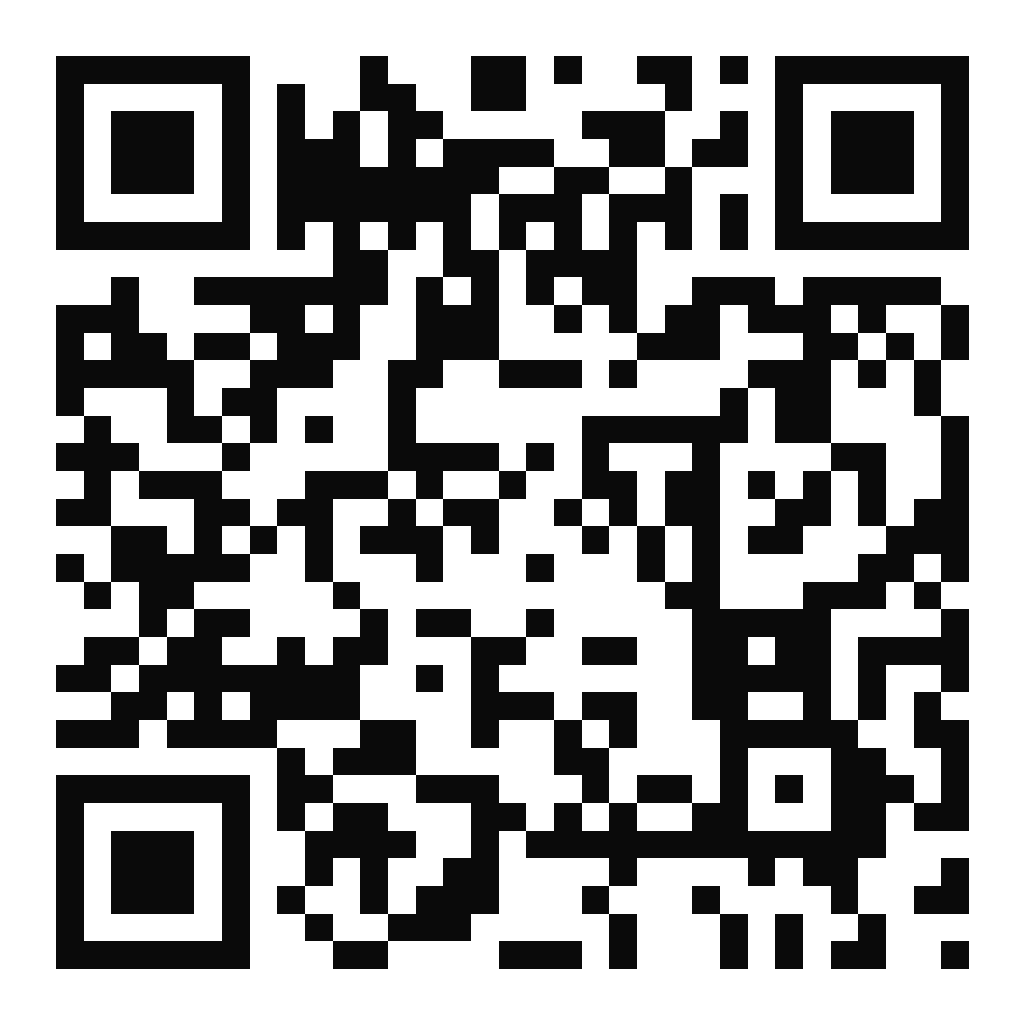
Stop entering invoices by hand
Join Invoice Auto and let AI handle the paperwork while you focus on your business.
Create your free account